
Everything a metal shop actually needs.
Keep the work connected: estimates, production, time, costs, inventory, documents, and equipment. Give each person the information they need.
Less administration. More time for the work.
From one part to a complete assembly
Detailed estimates. A clear way to build them.
Organise the assembly, inspect the model, and plan the work in one workspace. Materials, setup, labour, machine time, and outside processing stay with the part they belong to.
Keep complex jobs organised
Assemblies, subassemblies, and parts in one clear hierarchy.
See what you’re building
The 3D model stays beside the part you’re working on.
Know what goes into the price
Plan setup, production, and outside processing for each part.
Jobs, from overview to next step.
See the shop’s workload on the board, then open a job’s work plan to see who is responsible, what comes next, and which checks are still waiting.
See feature details
- Follow jobs from quoting through fabrication and invoicing.
- Assign work steps and connect tasks that depend on one another.
- Record progress and clear required inspection checkpoints.
- Keep the shop-floor board visible on TVs and tablets.
Quoted-versus-actual job costing
The estimate is not forgotten when work begins. MetalShopHQ carries it into the job, compares it with actual costs, and preserves what you learn for future work.
See feature details
- Compare quoted labor, materials, parts, and totals with actual job costs.
- See whether a job is running above or below the quote and the gross margin remaining if billed as quoted.
- Build dated price histories from reviewed supplier invoice lines linked to materials and parts.
- Use real job variance and recent purchase prices as better evidence for the next quote — without maintaining a separate costing spreadsheet.
Job #1029 · Cost review
MSQuoted
$14,850
Actual so far
$13,420
Gross margin
$1,430
- Material$6,940 / $7,200
$260 under
- Labor$4,480 / $4,100
$380 over
- Parts$1,540 / $2,000
$460 under
Example figures shown for product illustration.
Timesheets ready for review. Hours ready for payroll.
Capture time against jobs, review it with your team, and prepare payroll without rebuilding the week in a spreadsheet.
See feature details
- Digital time entry on phone, tablet, or desktop
- AI paper-timesheet import on Pro, with human review
- Review and approve hours before the payroll handoff
- Export approved time for your payroll process
Drawings & files
The drawing pinned to the wall, the photo from the shop floor, the STEP from the customer — all attached to the job, visible to the people who need them.
See feature details
- PDF, DWG, STEP for drawings; JPG / PNG / HEIC for shop photos.
- Uploader name and timestamp on every file.
- Shop staff see drawings on jobs they’re assigned to — without seeing pricing.
- Signed-URL access; files aren’t publicly addressable.
Job #1044 · Files
MSThe current files stay with the job
Drawings and photos visible where work happens
- 01
assembly-rev-c.pdf
Drawing · current revision
- 02STEP
frame-model.step
3D model · uploaded today
- 03JPG
fit-up-reference.jpg
Shop photo · Sarah L.
Synthetic file names.
Inventory
Sheets, bars, hardware, consumables, finished parts — tracked the way a shop actually buys and uses material.
See feature details
- Photo thumbnails, SKU lookup, quantity on hand, low-stock alerts.
- Categories and locations for departments, bins, racks.
- Immutable stock movement log: every adjustment leaves a trail.
- Archive old items instead of deleting them.
Inventory · Materials
MSStock you can trust
On hand, on order, and last paid in one view
- 014 sheets
A36 plate · 1/4 in
Rack A · last paid $1.18/lb
- 0238 ft
HSS 2 × 2 × .125
Rack C · 24 ft on order
- 0312 ea
3/8-16 SS hardware
Bin 14 · below minimum
Synthetic stock data.
Purchase orders
Draft, submit, and track supplier orders with a status workflow that matches how POs really move.
See feature details
- draft → submitted → partially received → received.
- Branded PO PDFs emailed to suppliers from your shop’s name.
- On-order quantities calculated automatically.
- Suppliers and manufacturers tracked separately for multi-sourcing.
Purchasing · Open orders
MSPurchasing tied to the work
Know what was ordered and what has arrived
- 01$2,480
PO-0257 · Pacific Metals
Job #1044 · due tomorrow
- 02$684
PO-0254 · Fastener Supply
Partially received · 2 lines open
- 03$4,120
PO-0251 · Coastal Steel
Received · invoice matched
Synthetic purchase orders.
AI document ingest
Photograph or upload a supplier invoice, quote, or packing slip. MetalShopHQ AI reads it. You review and commit.
See feature details
- Accepts PDF, JPG, PNG, WebP up to 20 MB.
- Extracts supplier, document details, line items, quantities, unit prices, and totals.
- Reviewed lines can be assigned to the right job and matched to materials or parts, feeding actual costs and price history.
- Status flow: uploading → extracting → review → committed.
Honest note: OCR on heavily scanned/handwritten documents is hit-or-miss. Type-set supplier PDFs work best.
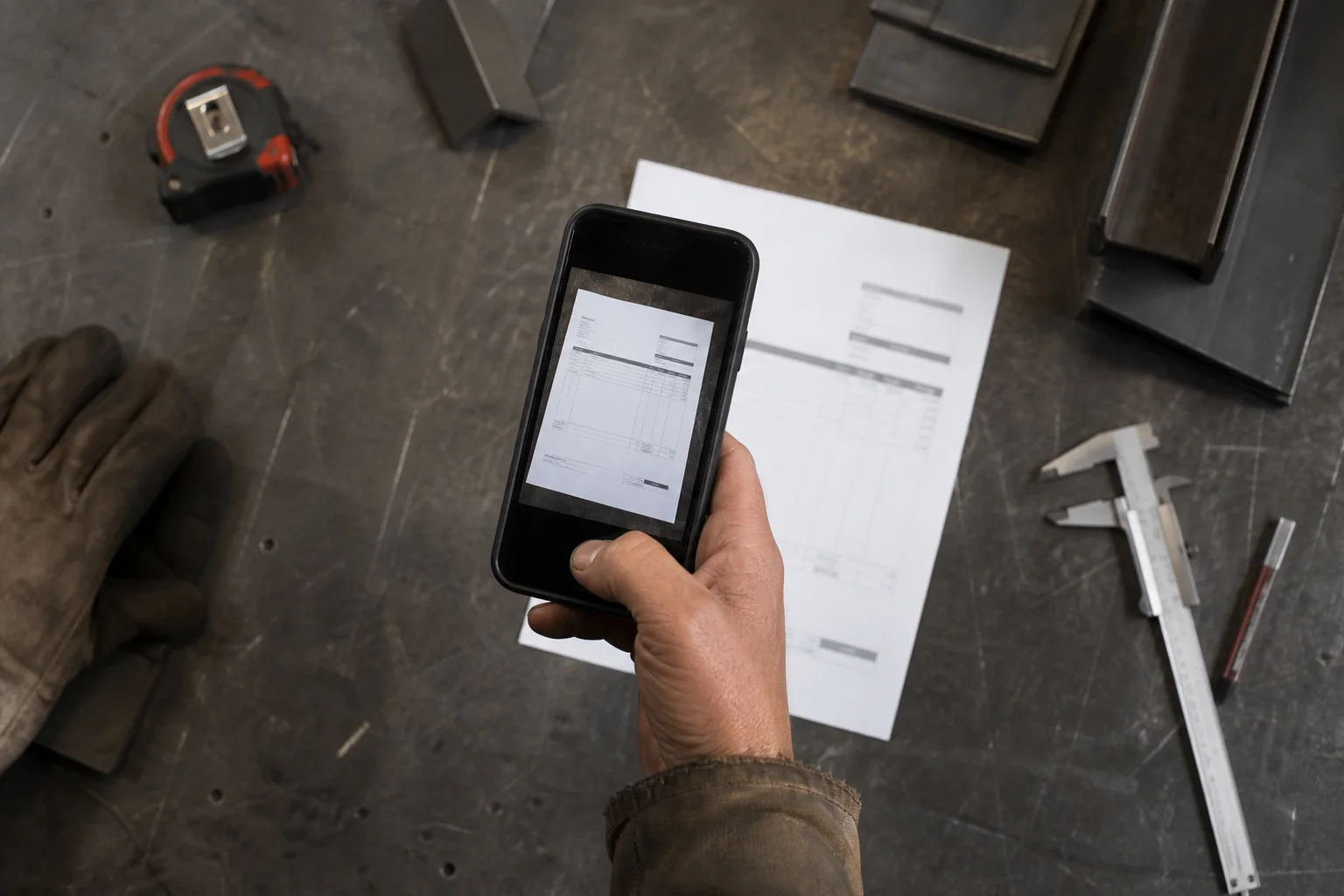
Invoice extracted
Ready for human review
8
Lines
7
Matched
$842
Total
Nothing is applied until your team reviews and confirms it.
QuickBooks Online integration
Keep QuickBooks Online for accounting. Connect it to your shop workflow to reduce repeated entry and move invoicing along.
See feature details
- Included in Core and Pro
- Connect customers and eligible invoice-to-job imports
- Send completed invoices to QuickBooks for review and sending
- Keep your accountant working in QuickBooks Online
Settings · Integrations
MSMetalShopHQ
Jobs and shop workflow
QuickBooks
Accounting system of record
QuickBooks Online integration included.
Notifications
The right person finds out when something needs them — without an inbox flood.
See feature details
- Job assignments, time entry reviews, picked-up jobs.
- Unread count at a glance, filter to unread or full history.
- In-app and email (more channels coming).
Notifications
MSThe right update reaches the right person
Useful signals without another status meeting
- 01
Material received for Job #1044
Purchasing · 4 minutes ago
- 02
Time entry ready for review
Mike R. · Job #1029
- 03
You were assigned to Entry canopy
Drawing approved · ready to build
Synthetic activity.
Roles & shop-floor privacy
Everyone sees what they should — and nobody sees what they shouldn’t.
See feature details
- Owner — full control, manages team, rates, settings.
- Purchaser — jobs, customers, suppliers, POs, costs, AI ingest.
- Operator — adjusts inventory, uploads job files; sees no costs.
- Shop Staff — sees assigned jobs, drawings, photos; logs own time; no costs.
Settings · Team
MSAccess that matches the job
Costs stay in the office; work stays visible on the floor
- 01
Geoff · Owner
Full shop and billing access
- 02
Taylor · Purchaser
Suppliers, costs, POs, invoices
- 03
Mike · Shop staff
Assigned jobs, files, and own time
Example team members.
Keep the equipment ready for the next job.
Keep equipment records and maintenance work alongside the jobs that depend on them.
- Maintain equipment records in one place
- Plan and track maintenance tasks
- Keep service history available to the team
- Connect shop operations with equipment upkeep
Ready to run a real shop on it?
Card required. Cancel online before day 15 and pay $0. No call or email required.